Guide to Access and Maintain Tax Tables
User profile limitations apply. Each Owner/Book and Counterparty (OLD) account must be linked to an Owner Tax Market and Tax Group (Default Tax Processing Type). This process is controlled within the Static Data section of CATs.
Select StaticData menu.
Select Location.
Select Taxation.
Select Tax Rates.

The default table will be displayed, as below.
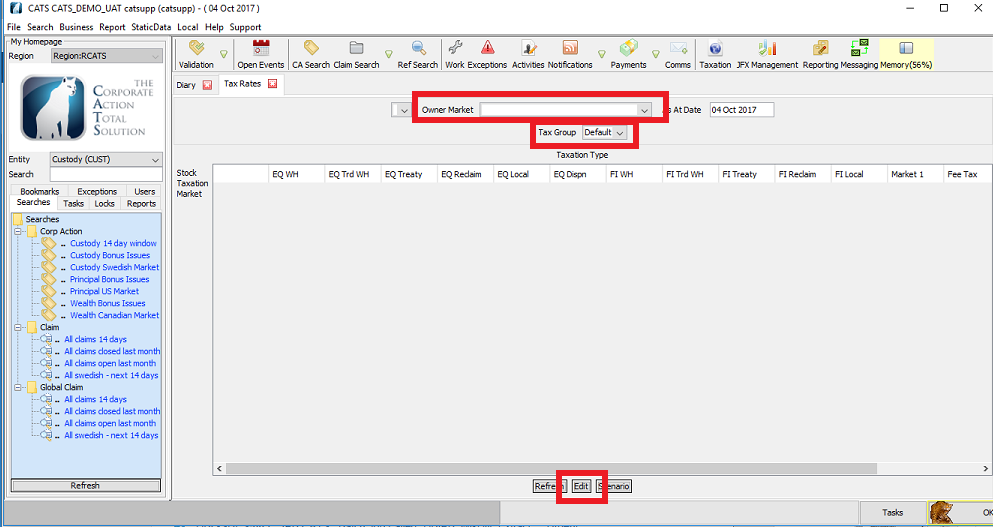
The users can check, edit and add new rates and dates for each relevant Owner Market and Tax Group. The user chooses the relevant Stock Taxation Market and relevant Taxation Type, then selects Edit to update the necessary values. Dates within each rule should not overlap.

If a new Tax Group is required, the user can:
Select StaticData menu.
Select Location.
Select Taxation.
Select Tax Groups.
The default list will be displayed, as below.

The user can create a new group by:

Selecting New.
Add the relevant values.
Select Save.
Company Confidential
