How to Get Help
Select the Help menu.
Select the Help option or
Select the F1 key on your keyboard, as below.
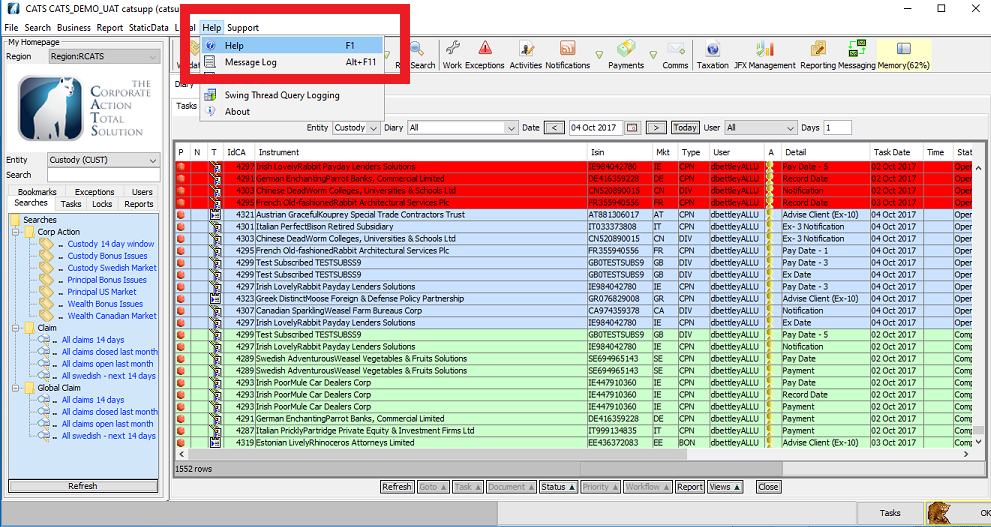
The help documentation will be displayed by opening a separate browser window. As illustrated below. The help documentation is an online version of the user manual.
Message Log
You may be asked, in the case of application issues, to copy and send message log contents or part contents to the CATS application support team.
Select the Help menu.
Select the Message Log option or
Select the Alt + F111 key on your keyboard, as below.
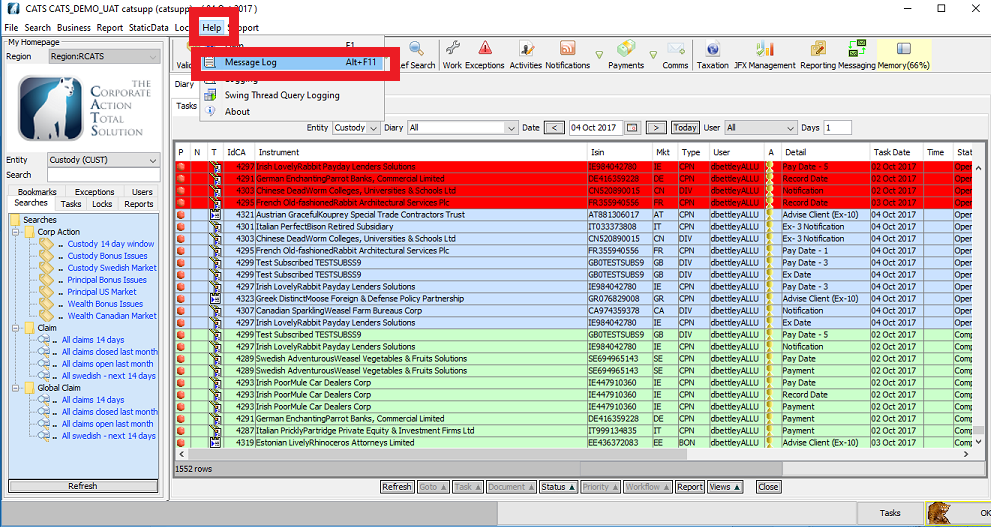
The Message Log screen is displayed, as below.
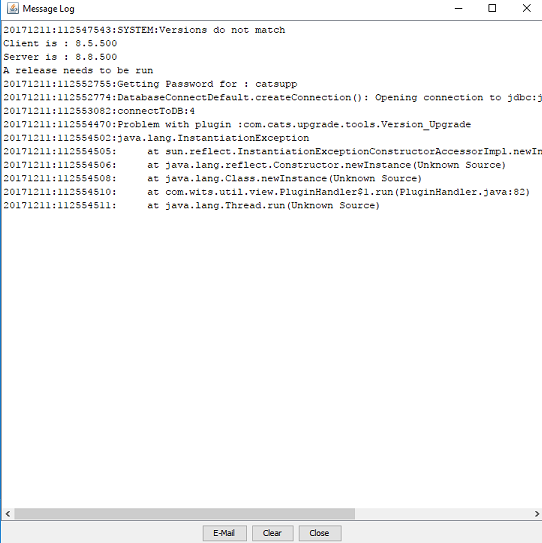
Select the Email option.
Select the Clear option to clear or
Select the Close option to close.
The Choose email address screen is displayed, as below.
Select who you would like to send the email to from the drop box option, as below.

Select OK.
If the Error message screen is displayed as below, please contact CATS Support.

Company Confidential
